

Best AI Productivity Tools to Supercharge Your Workflow (2025)
Productivity isn’t just about working harder—it’s about working smarter. And thanks to AI, staying organized, focused, and efficient has never been easier. From writing and scheduling to summarizing meetings and automating tasks, AI tools can save you hours every week. In this guide, we’ll explore the best AI productivity tools you can start using today to level up your workflow.
Why Use AI for Productivity?
AI tools help you cut down repetitive tasks, stay organized, and make better decisions faster. They act like virtual assistants that never sleep—ready to help you write, plan, schedule, and think. Whether you’re a freelancer, remote worker, or part of a large team, there’s an AI tool that fits your needs.
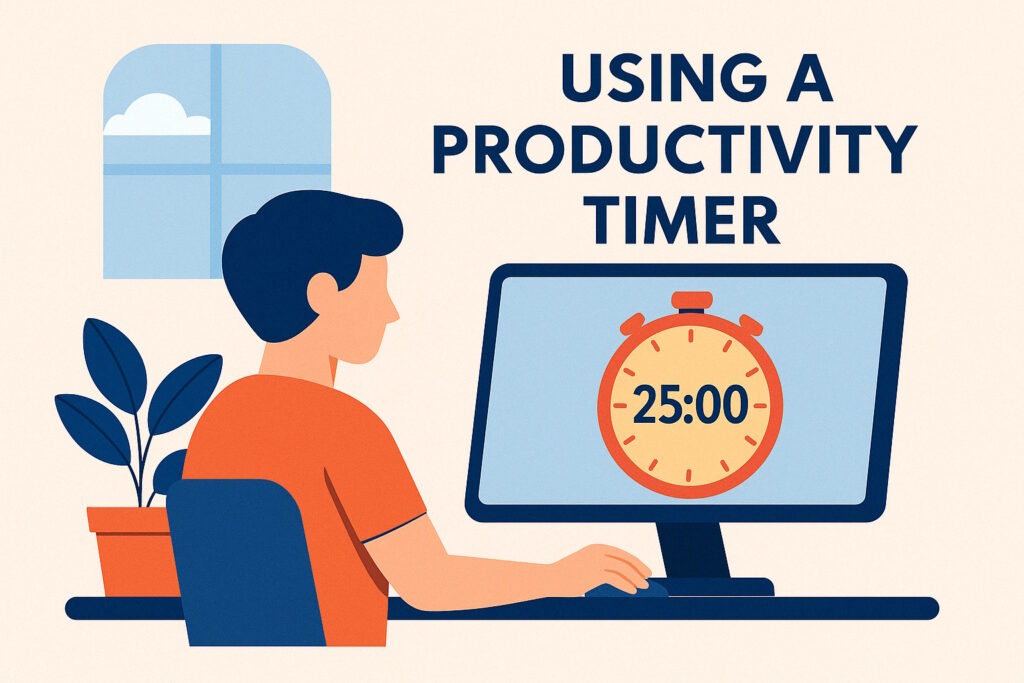
7 Best AI Productivity Tools in 2025
1. ChatGPT (by OpenAI)
Use it for brainstorming, drafting emails, writing content, or learning new topics quickly. With the right prompts, ChatGPT is like having a research assistant, writing partner, and editor in one.
2. Notion AI
Notion combines notes, tasks, and databases in one place. Its AI features help you summarize pages, create meeting notes, and auto-complete to-dos faster than ever.
3. GrammarlyGO
More than a spell-checker, GrammarlyGO offers AI rewriting, tone adjustment, and quick responses. Great for professionals who write a lot daily.
4. Otter.ai
Transcribe your meetings, interviews, and voice notes in real-time. Perfect for remote teams, podcasters, and students.
5. Motion
AI-powered calendar and task manager that builds your schedule for you. Great for time blocking, prioritizing, and reducing decision fatigue.
6. ClickUp with AI
For project management lovers, ClickUp’s AI assistant helps with summaries, action items, and even creating documentation within your tasks.
7. Jasper AI
A powerhouse for marketers and content creators. Jasper writes blog posts, ad copy, and product descriptions with just a few prompts.
How to Get the Most from AI Tools
- Use clear, structured prompts
- Combine multiple tools (e.g., plan in Notion, write with ChatGPT)
- Automate recurring tasks (emails, summaries, responses)
- Track time saved and output increase to measure impact
Watch AI Productivity in Action
Prompt Example to Boost Focus
Try this prompt at chat.openai.com:
Create a 5-day productivity plan using AI tools like ChatGPT, Notion, and Motion for a freelance content creator working from home.
Final Thoughts
The future of productivity is undeniably AI-assisted. By incorporating AI productivity tools into your daily routine, you’re not just saving time—you’re also reducing stress, making smarter decisions, and unlocking higher levels of creativity. These tools act like virtual co-pilots, helping you manage tasks, streamline communication, and maintain focus even in the busiest environments.
Whether you’re a freelancer managing multiple clients, a remote worker juggling meetings, or an entrepreneur trying to scale your operations, there’s an AI solution tailored to your workflow. Start small—pick one tool that addresses your biggest time-waster. Experiment with a few prompts, explore integrations, and track your progress. You’ll soon realize that using AI productivity tools isn’t just about automation—it’s about gaining back control over your day and investing your time where it matters most.
Related:
Found a new tool today? Share this list with your team or productivity group!


