


How to Save Money on Subscriptions – Trim the Digital Fat
Subscription services are convenient—but they can quietly drain your wallet. From streaming platforms and fitness apps to meal kits and cloud storage, small monthly charges add up faster than you think. The average person spends hundreds of dollars a year on subscriptions they don’t even use. In this guide, we’ll show you how to save money on subscriptions, clean up your digital spending, and regain control of your finances.
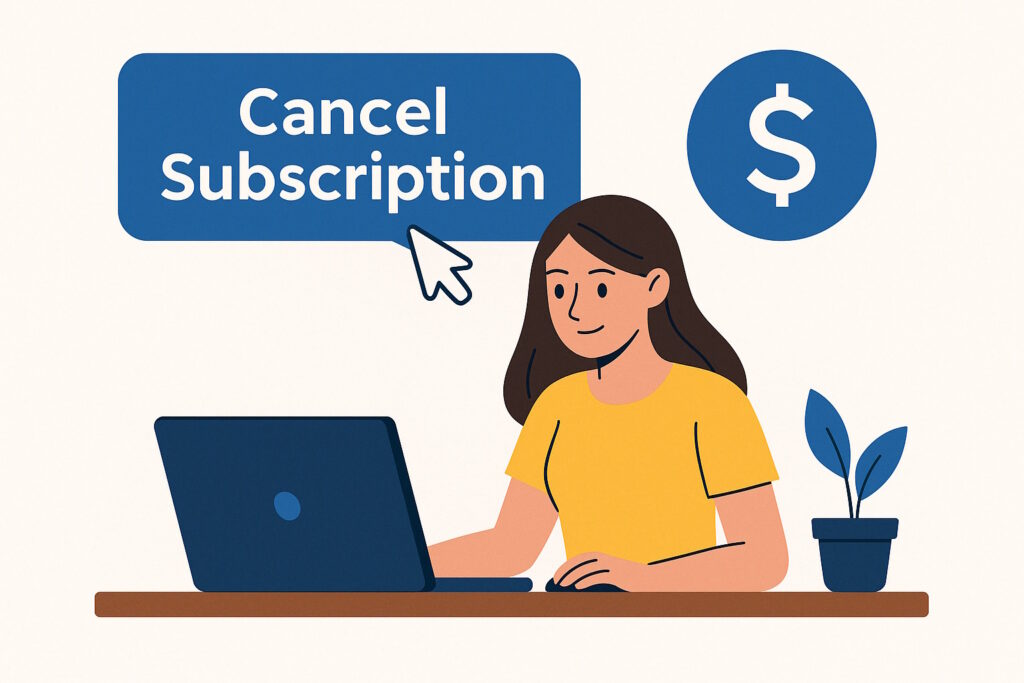
1. Audit Your Active Subscriptions
Start by reviewing your bank statements and email receipts. List every active subscription. You might be surprised to find services you’ve forgotten about—or ones you barely use. Awareness is the first step to savings.
2. Cancel What You Don’t Use Regularly
Be honest with yourself. If you haven’t opened that app or logged into that platform in over a month, cancel it. Most services allow easy cancellation online. And if you change your mind later, re-subscribing is always an option.
3. Use Subscription Management Tools
Apps like Rocket Money (formerly Truebill), Trim, or Bobby help you track, manage, and cancel subscriptions automatically. These tools can send alerts before renewals and even negotiate lower bills for you.
4. Avoid Duplicate Services
Do you really need both Netflix and Hulu? Or Spotify and Apple Music? Choose one that best fits your lifestyle. Combining family plans or student discounts can also help cut costs without giving up access.
5. Set a Subscription Budget
Create a monthly limit for all digital subscriptions. Knowing how much you’re comfortable spending helps you make smarter choices. Prioritize what adds real value to your life.
6. Review Renewal Dates and Set Reminders
Some annual subscriptions auto-renew without warning. Add renewal dates to your calendar and set alerts a week in advance. That way, you have time to evaluate if the service is still worth it.
7. Try Free Alternatives
There are great free versions of many services. Use YouTube instead of premium streaming. Try Google Docs instead of paid word processors. Free doesn’t mean low quality—explore your options.
8. Leverage AI to Help You Analyze Spending
Use tools like ChatGPT to analyze your subscriptions. Paste your statement and ask for a breakdown of recurring charges. It’s a fast way to see where your money is going.
Watch: Stop Wasting Money on Subscriptions
AI Prompt to Audit Your Subscriptions
Use this prompt on chat.openai.com:
Analyze this list of charges and identify monthly subscriptions. Suggest which ones I can cancel or replace with free alternatives.
Final Thoughts
Subscription services can offer value, but only if you’re using them. A few dollars here and there may seem harmless—but over time, it adds up. By auditing your subscriptions, setting limits, and embracing smarter tools, you can save money without missing out on what really matters. Cut the digital fat—and let your budget breathe easier.
Related:
If this helped you reduce your digital spending, share it with a friend who needs to do the same!


